Huddle Room AV Solutions: Make Every Small Meeting Clear, Connected and Productive
A small meeting room should make collaboration easier. Yet in many offices, the exact opposite happens.
Someone is looking for the right HDMI cable. The camera shows only half the table. Remote participants keep saying, “Your voice is breaking.” A meeting that should have started in two minutes loses its momentum before the first decision is made.
These are not minor inconveniences. They affect client calls, team coordination, interviews, training sessions, and everyday decision-making.
Nexurgo helps businesses create practical huddle room AV solutions that bring video, voice, content sharing, and room control together in one simple setup.
What Is a Huddle Room?
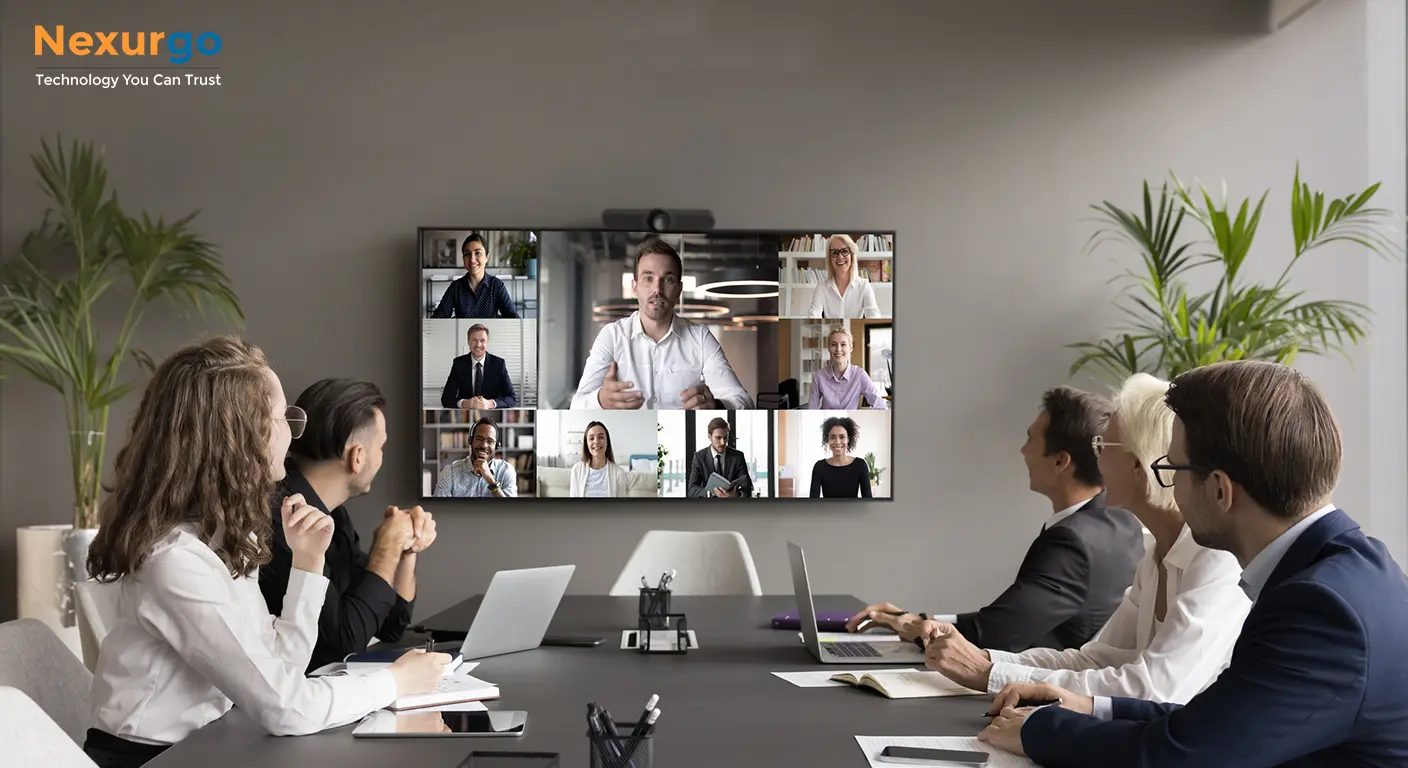
A huddle room is a compact meeting space built for quick discussions between small teams—usually two to eight people. It is ideal for project reviews, client video calls, brainstorming, interviews, and hybrid meetings where some participants join remotely.
The room may be small, but expectations are high. People want to walk in, connect their laptop, start the call, share content, and focus on the conversation. A well-planned AV setup makes that possible.
Common Problems in Small Meeting Rooms
Most huddle room issues are caused by disconnected technology rather than a lack of technology.
You may already have a display, webcam, speaker, and laptop connection. But if each device works separately, the user experience becomes frustrating. Employees lose time adjusting settings, remote participants struggle to hear the conversation, and meetings feel less professional.
Common issues include:
-
Poor camera framing during video calls
-
Voices that sound weak, distant, or interrupted
-
Limited view of participants sitting at the table
-
Difficulty switching between laptops and meeting platforms
-
Cable clutter and manual setup before every meeting
-
No simple way to control the room from one point
-
Small spaces that feel under-equipped for client-facing meetings
These issues can be resolved with the right combination of AV products and professional integration.
A Complete Huddle Room Solution from Nexurgo
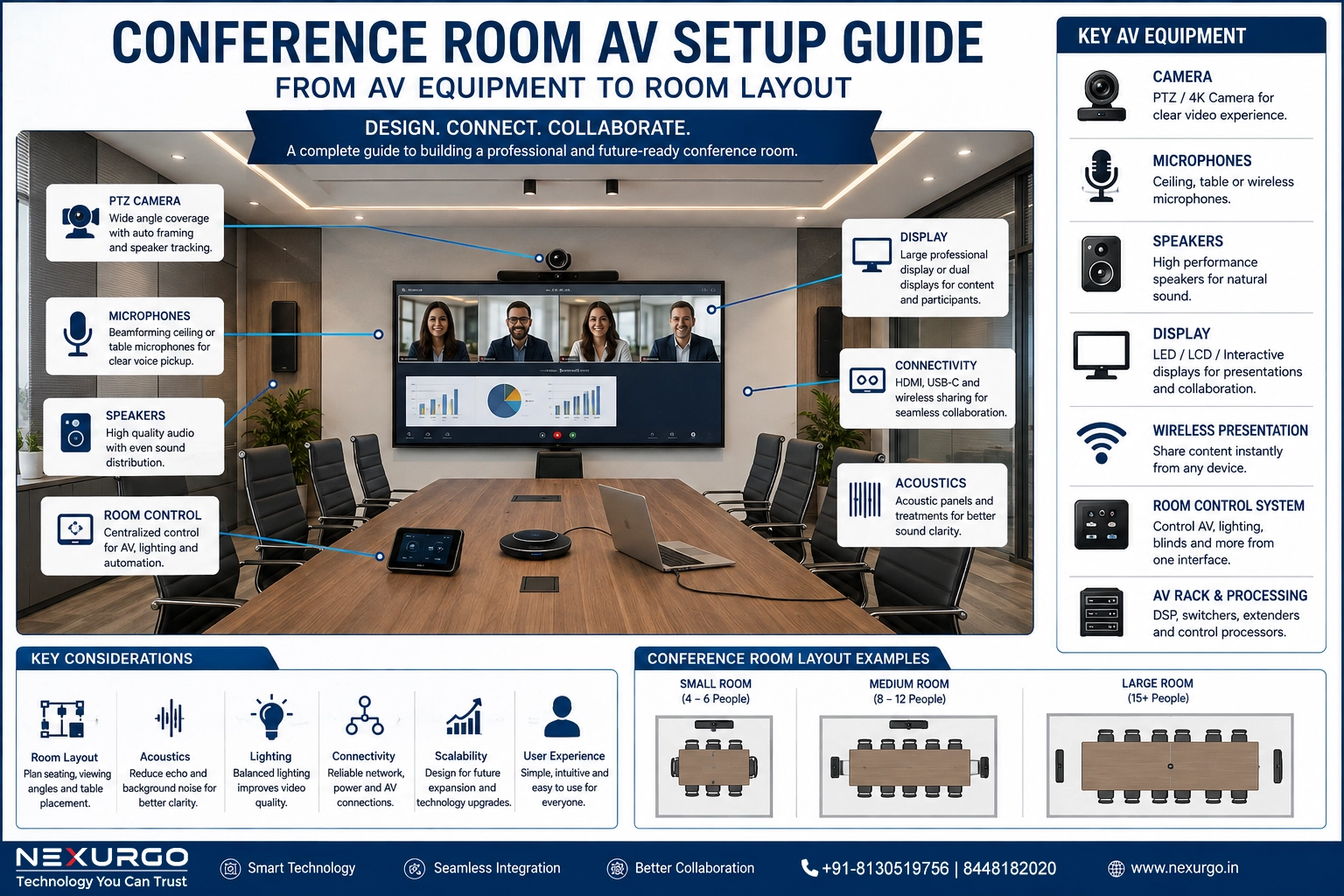
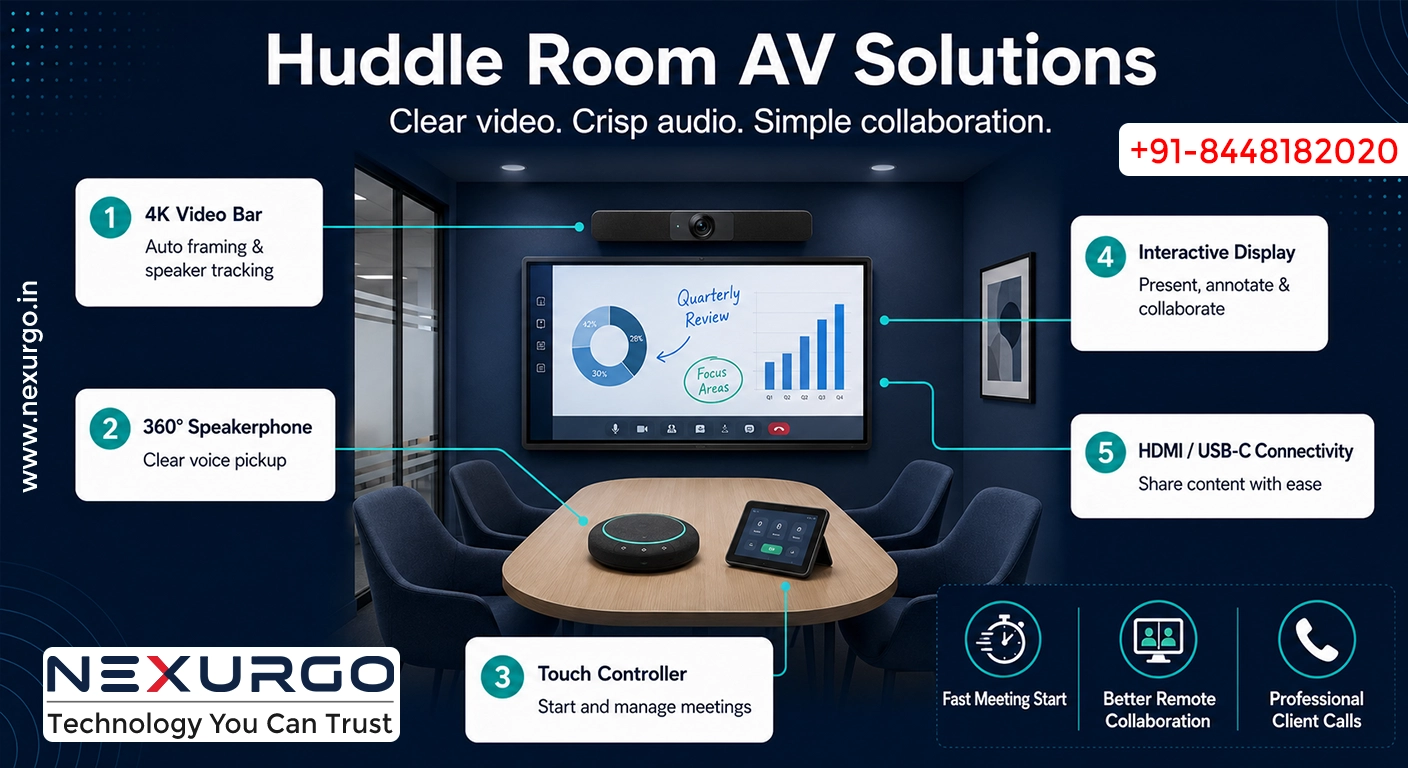
Nexurgo can design huddle room AV setups around the room size, number of participants, display requirements, meeting platform, and daily usage. Instead of pushing a one-size-fits-all kit, we help select the products that solve the actual communication problem.
4K Webcam for Clear Video Meetings
For compact rooms and personal collaboration spaces, a 4K webcam can provide sharp video with a wide field of view. The Eagle 4K Webcam supports UHD 4K video at 30 fps, 8x digital zoom, a 110-degree field of view, and a built-in microphone.
This type of camera works well when a small team needs a simple, professional video setup without adding complex hardware.
Video Bar for Small and Medium Rooms
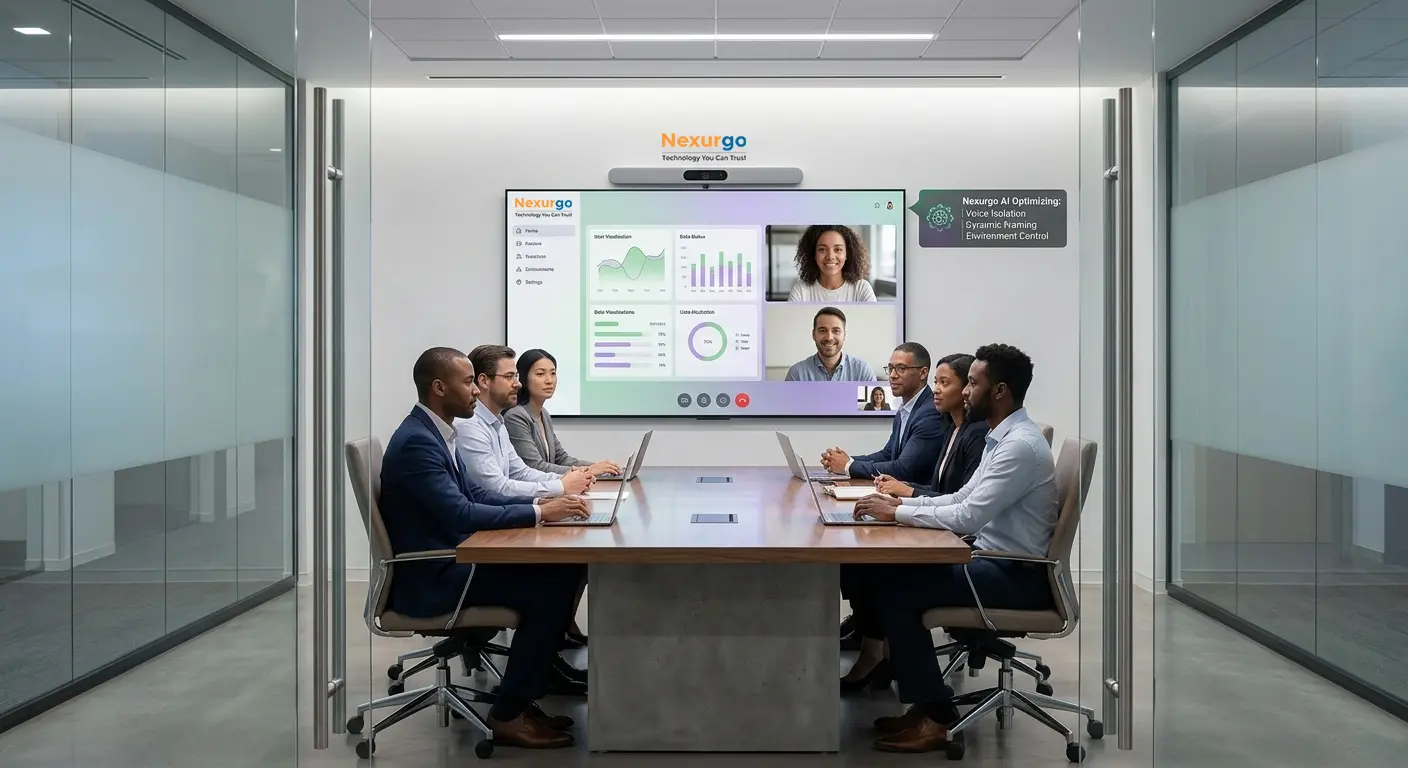
A video bar combines camera, microphones, and speakers into a streamlined solution. It is especially useful when teams need better audio and video without filling the room with multiple devices.
The i20 Plus Videobar offers 4K video, a 94-degree field of view, built-in microphone arrays, group framing, speaker tracking, and auto-framing support. It is designed for meetings where remote participants need to see and hear everyone clearly.
For organisations looking for an all-in-one setup, the AIO Alpha Speakerbar brings together a 4K camera, AI-powered framing, presenter tracking, speaker tracking, six built-in microphone arrays, two speakers, and up to a 6-metre audio pickup range.
Better Audio Changes the Entire Meeting Experience
Video matters, but poor audio can ruin an otherwise good meeting. If remote participants cannot clearly hear the person speaking, they stop engaging. Important details get repeated, discussions become slower, and teams leave calls with incomplete information.
A 360-degree omnidirectional speakerphone is a strong option for smaller rooms. The PeopleLink UVC 20B supports a 4-metre voice capture range, USB and Bluetooth connectivity, USB plug-and-play operation, a 3.5 mm headphone jack, and up to four hours of talk time from its built-in battery.
It allows people around the table to participate naturally rather than leaning toward one microphone.
Simple Control Makes Technology Easier to Adopt
Even a capable AV room will not deliver value if employees find it difficult to use.
A room appliance with a touch controller gives users an easy way to launch meetings, join supported video platforms, share content, and manage room functions. The available touch controller setup supports Windows 10/11, HDMI, LAN, USB, Type-C, audio connectivity, and a 10.1-inch touch interface.
This helps reduce dependency on IT support for routine meetings and creates a more consistent experience for every team.
Add an Interactive Display for Better Collaboration
An interactive display turns a standard meeting room into a more active working space. Teams can present ideas, annotate documents, review designs, conduct training, and collaborate visually during in-person or remote meetings.
A 55-inch 4K anti-glare interactive display with multi-touch capability can support presentations, whiteboarding, video calls, and shared document reviews. With Android, optional OPS support, and multiple connectivity ports, it can become the central collaboration screen for the room.
Designed for the Way Your Team Meets
The goal is not to install more devices. The goal is to remove the friction that slows meetings down.
A good huddle room AV solution should allow your team to:
-
Start meetings quickly
-
Join virtual calls with confidence
-
Be seen clearly on camera
-
Be heard without repeating themselves
-
Share presentations without connection issues
-
Work smoothly across Zoom, Microsoft Teams, Webex, Google Meet, and other compatible platforms
-
Create a professional experience for clients and remote employees
Why Choose Nexurgo?
Nexurgo delivers AV, ELV, and technology integration solutions for modern workplaces. We assess the space, understand your meeting requirements, recommend suitable equipment, and plan a practical installation.
Whether you need to upgrade one small meeting room or standardise collaboration spaces across an office, our team can help create a setup that is simple, reliable, and ready for daily use.
Ready to Upgrade Your Huddle Room?
If your team is losing time to poor audio, awkward camera angles, unreliable connectivity, or complicated meeting-room controls, it is time to review the setup.
Talk to Nexurgo about a huddle room AV solution tailored to your office. We can help you build a space where meetings begin on time, conversations stay clear, and collaboration feels effortless.